Call Screening Detection

Call screeners answer your cold calls now. Ring.io puts your rep on the line.

When iPhone call screening or Google Voice picks up, most dialers see a machine and move on. Ring.io detects the screener, connects your rep straight away and shows what the screener is saying, live. The rep says who they are, and the prospect decides to pick up.
A screened call isn't a voicemail. Treat it like one and you lose the conversation.

iPhones now answer unknown numbers with call screening, and Google Voice does the same. The screener asks who's calling and why, then shows the answer to the prospect. If nobody responds, the call ends and the prospect never sees it. A dialer that reads the screener as voicemail drops a message or skips the number. A rep who hears silence hangs up. Either way, a person who was holding their phone never talks to you. Every one of those calls was a chance at a conversation, and pipeline comes from conversations.

How Ring.io call screening detection works

  • A rep dials. By hand, from the Power Dialer or from the AI Parallel Dialer.
  • A screener answers. iOS call screening or Google Voice picks up and asks who's calling.
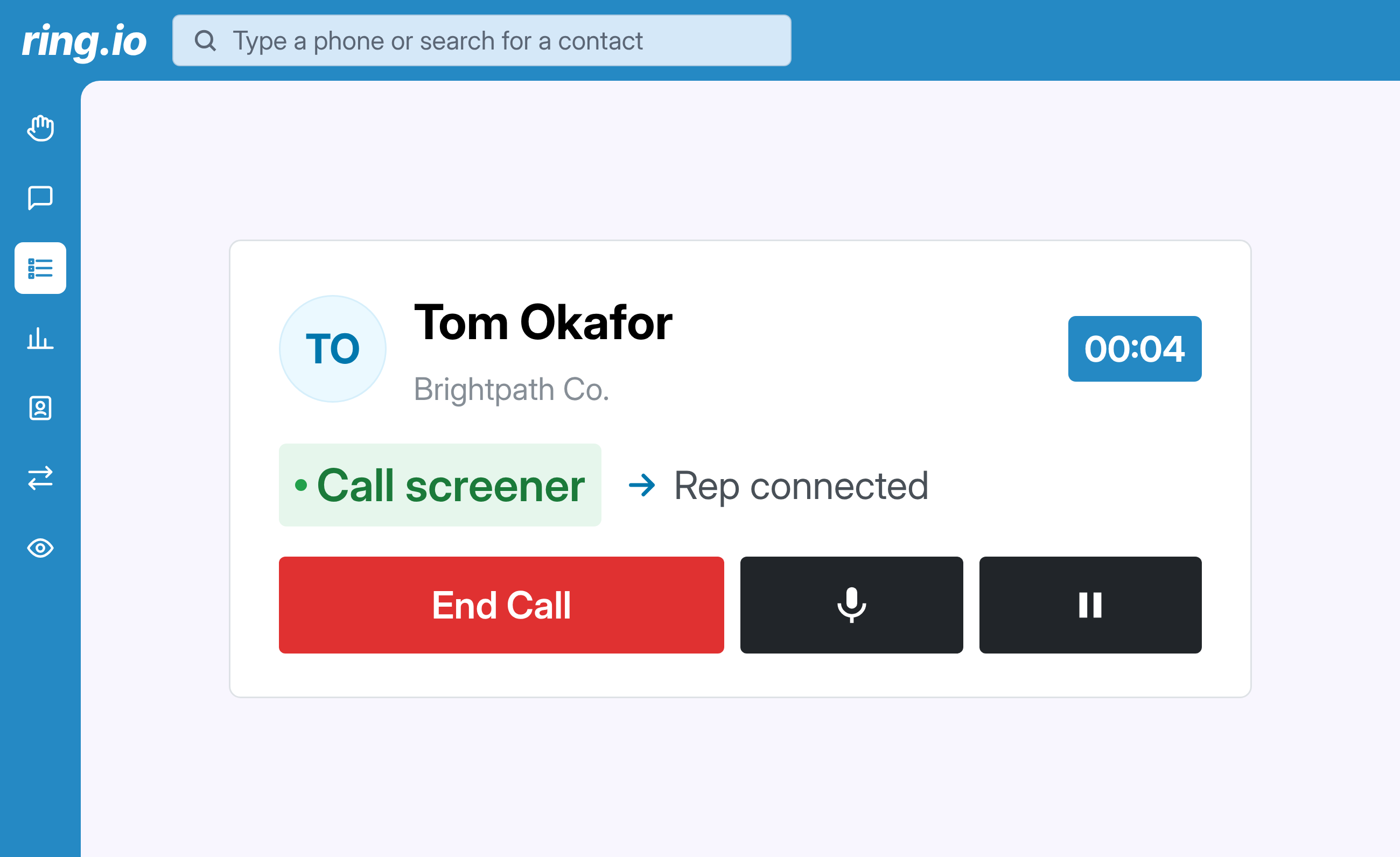
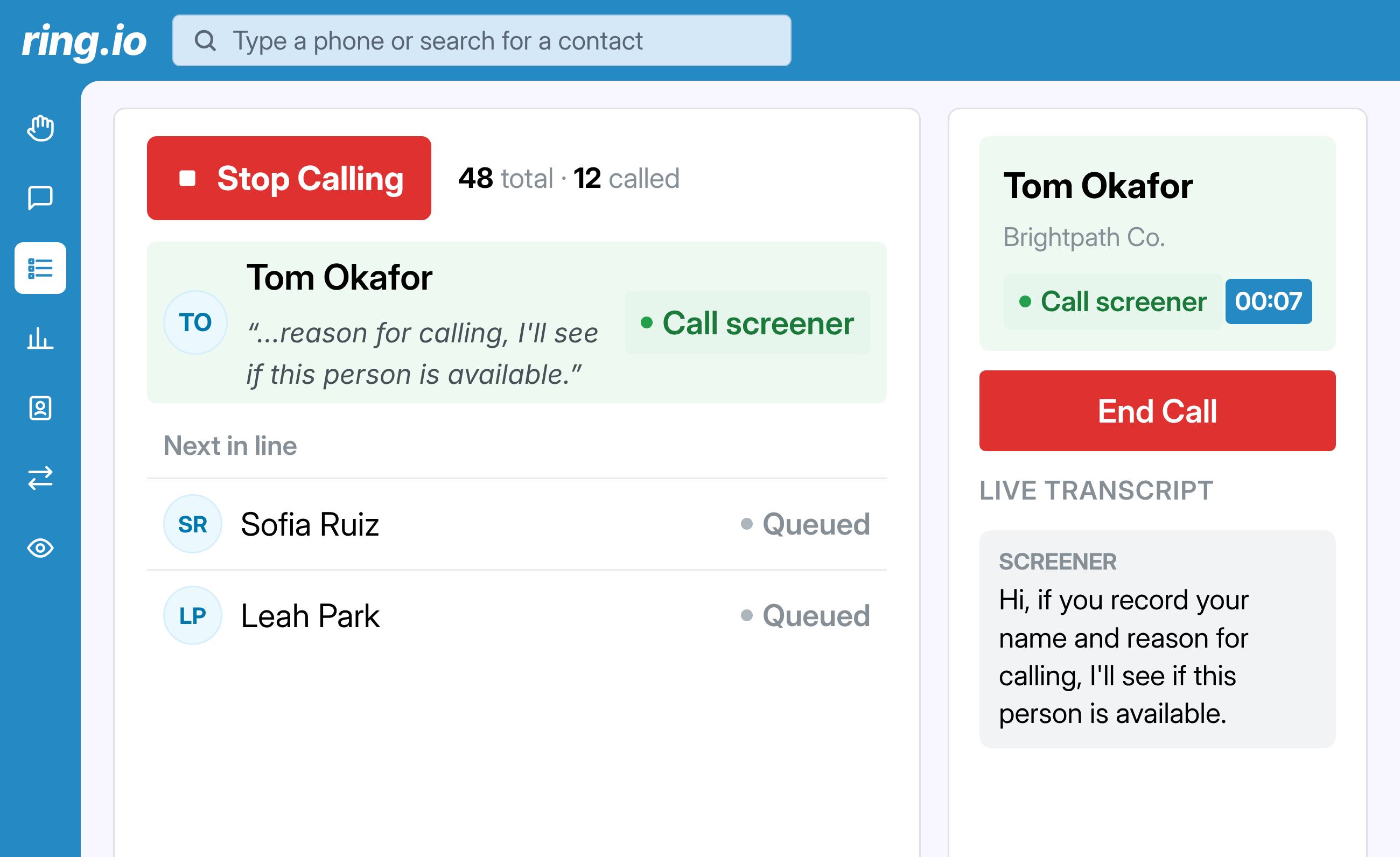
  • Ring.io detects it. The call is marked "Call screener" and the rep is connected right away.
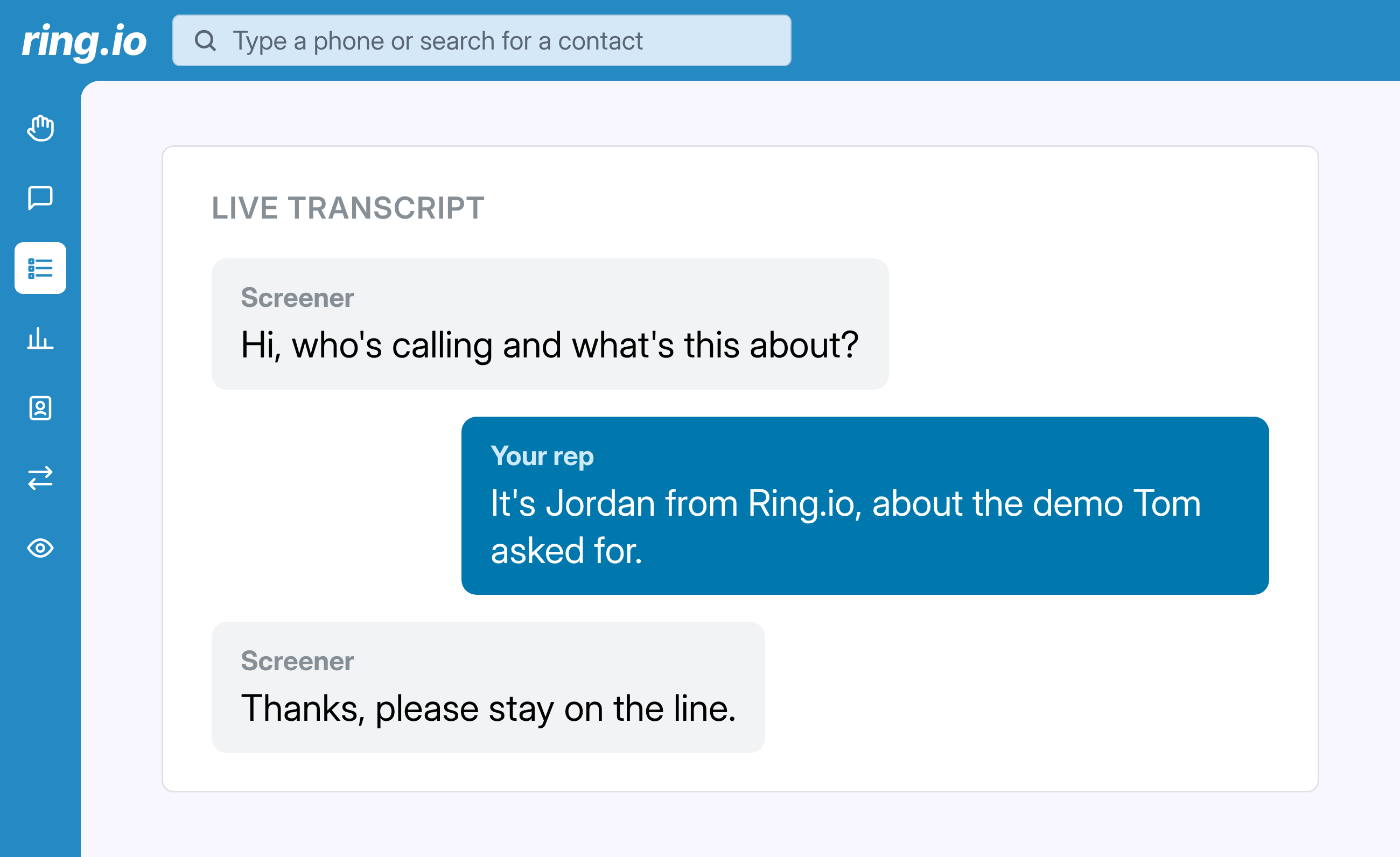
  • The rep sees the transcript. What the screener says appears on screen as it's said.
  • The rep answers the screener. A name and a reason. The prospect reads it and decides whether to pick up.
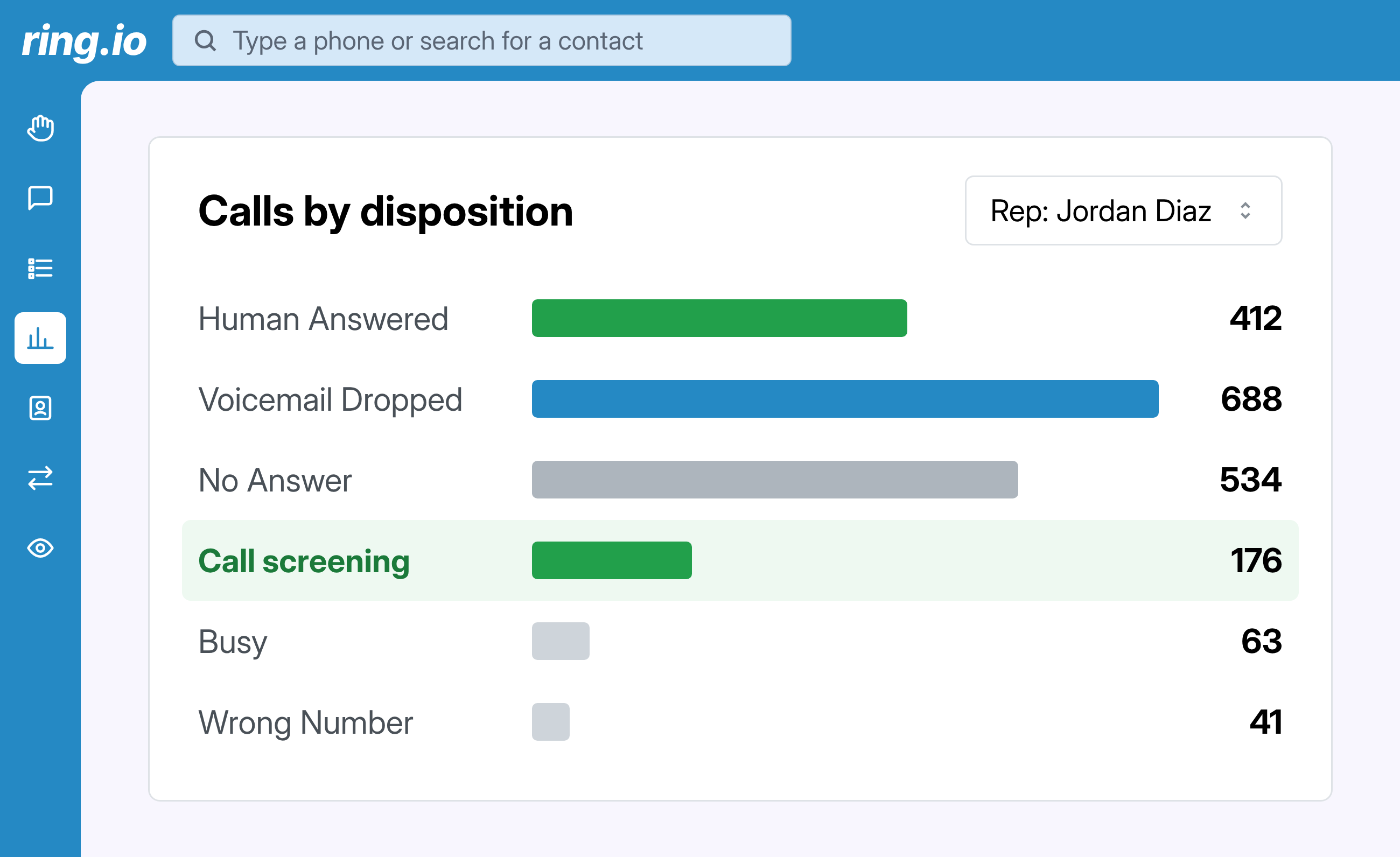
  • The call is logged. With Auto Disposition on, the call gets the "Call screening" disposition and shows up in Call Analytics under "Calls by disposition".

benefits

Every screened call gets a real answer from your rep

Ring.io spots the screener, gets your rep on the call and keeps count.

Know it's a screener, not a voicemail

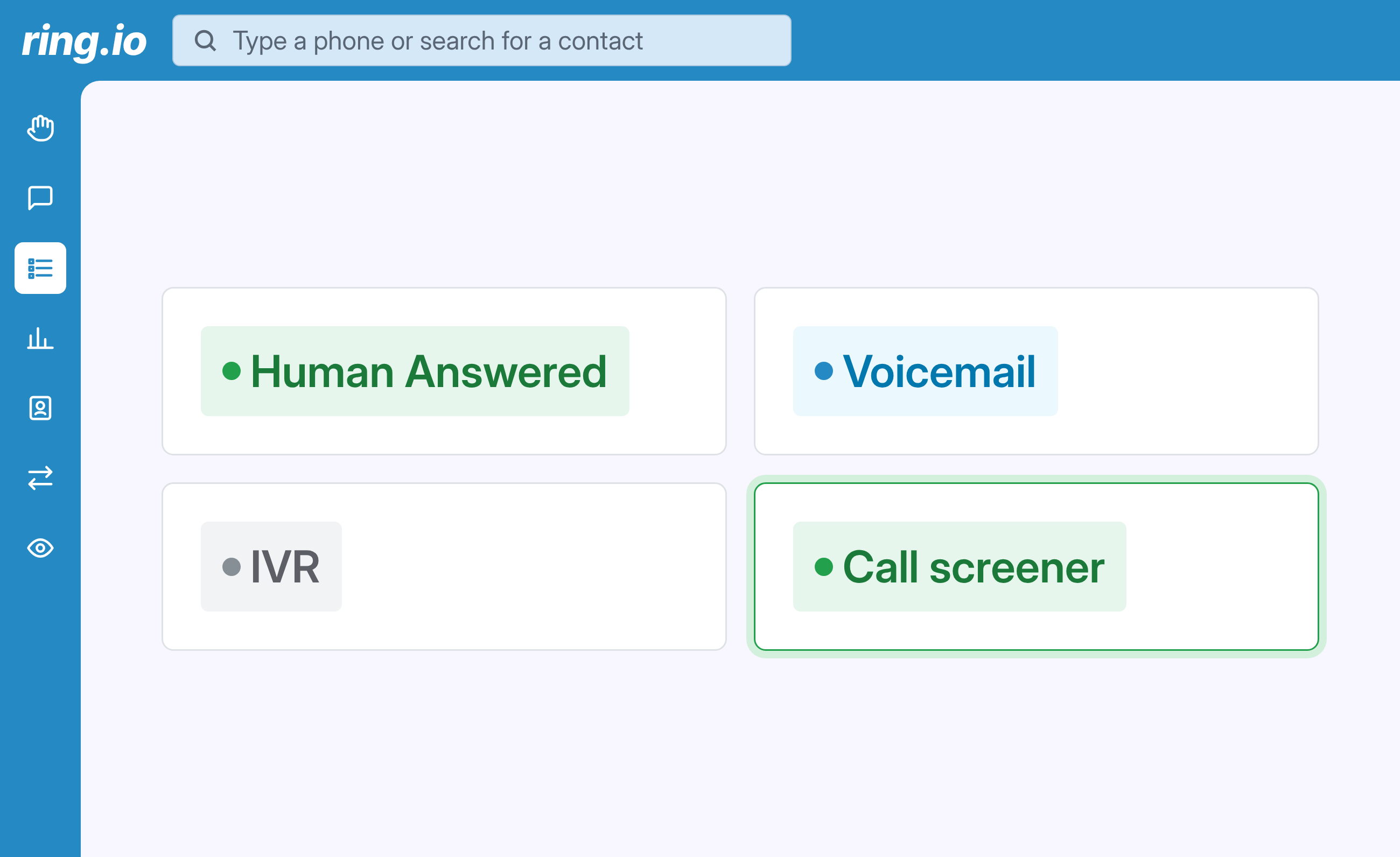
Ring.io tells a call screener apart from a person, a voicemail box and an IVR. The call is marked "Call screener" in your list the moment it answers.

Your rep is on the call straight away

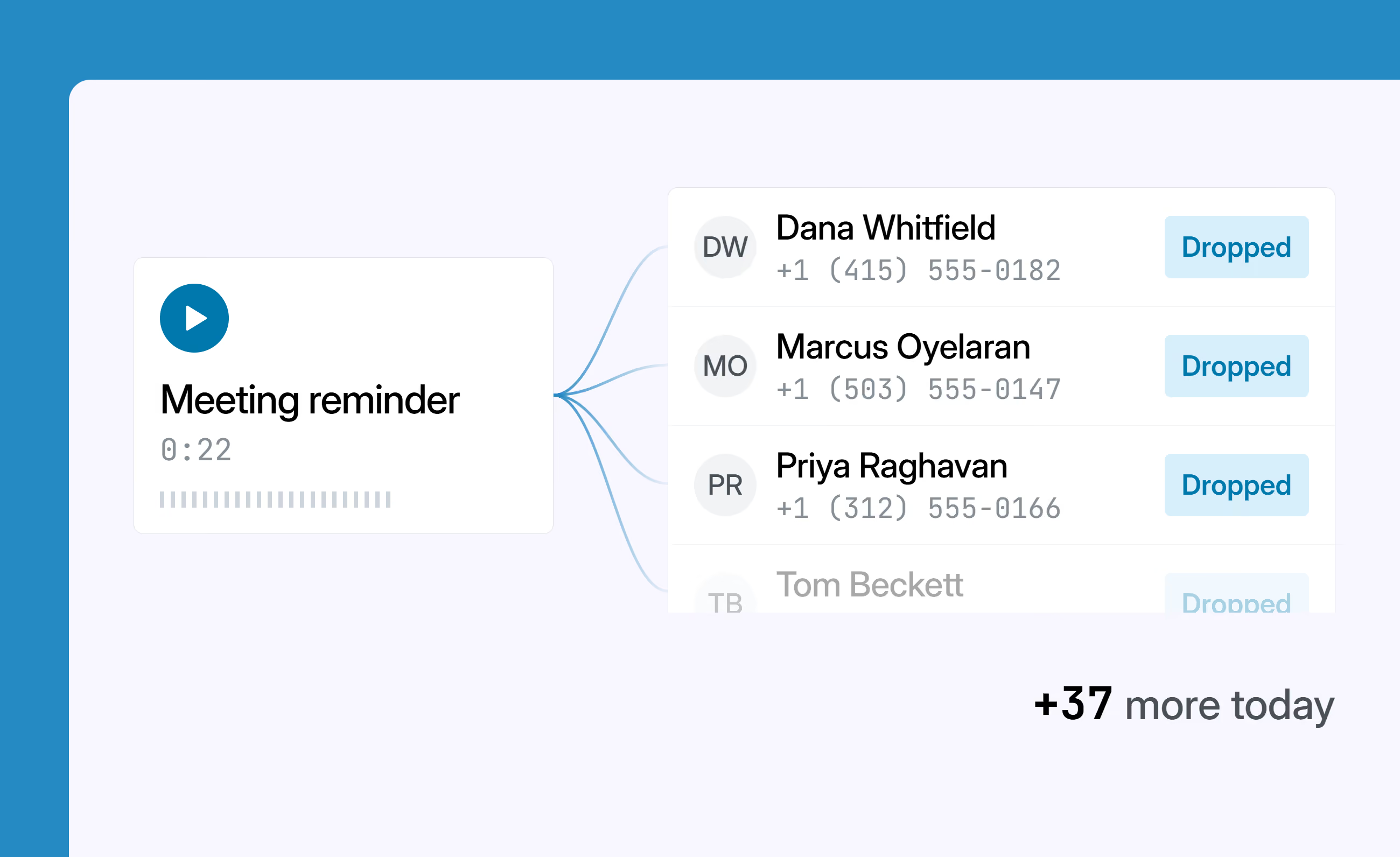
No voicemail drop and no skipping to the next number. The rep is connected while the screener is still listening, so they can say who they are and why they're calling.

See what the screener is saying, live

A live transcript shows the screener's words on screen, like "I'll see if this person is available". Your rep knows what was asked and replies to it instead of guessing.

Count how many calls screeners answer

With Auto Disposition on, Ring.io marks these calls "Call screening". In Call Analytics, "Calls by disposition" shows how many of your calls a screener picked up, by rep and over time.

Reach people, not inboxes.

Calls, email and SMS as steps in one sequence, run from inside your CRM. Start free on one rep, or take 21 days free on a team plan.

FAQs

Call Screening Detection

What is call screening detection?

Ring.io recognizes when an automated call screener, rather than a person or a voicemail box, answers your call. It connects your rep so they can reply. It works on manual calls, the Power Dialer and the AI Parallel Dialer.

Which call screeners does Ring.io detect?

iOS call screening on iPhone and Google Voice call screening. Google Pixel Call Screen isn't supported yet.

What does the rep see when a screener answers?

The call is marked "Call screener" and a live transcript shows what the screener is saying, so the rep can respond to it.

How is this different from answering machine detection?

Answering machine detection sorts people from voicemail. Ring.io also detects call screeners and connects your rep to them instead of treating them as voicemail.

Can I see how many calls are answered by screeners?

Yes. With Auto Disposition on, these calls get the "Call screening" disposition. Track them in Call Analytics under "Calls by disposition".

What should my rep say to an iPhone call screener?

Keep it short: name, company and one clear reason for the call. The prospect reads it on their screen, so a specific reason gets more pickups than a pitch.

Which plans include call screening detection?

Every plan. The "Call screening" disposition and its reporting need Auto Disposition, which is on Growth and Enterprise. See pricing.