Voicemail Drop
Stop leaving the same voicemail forty times a day
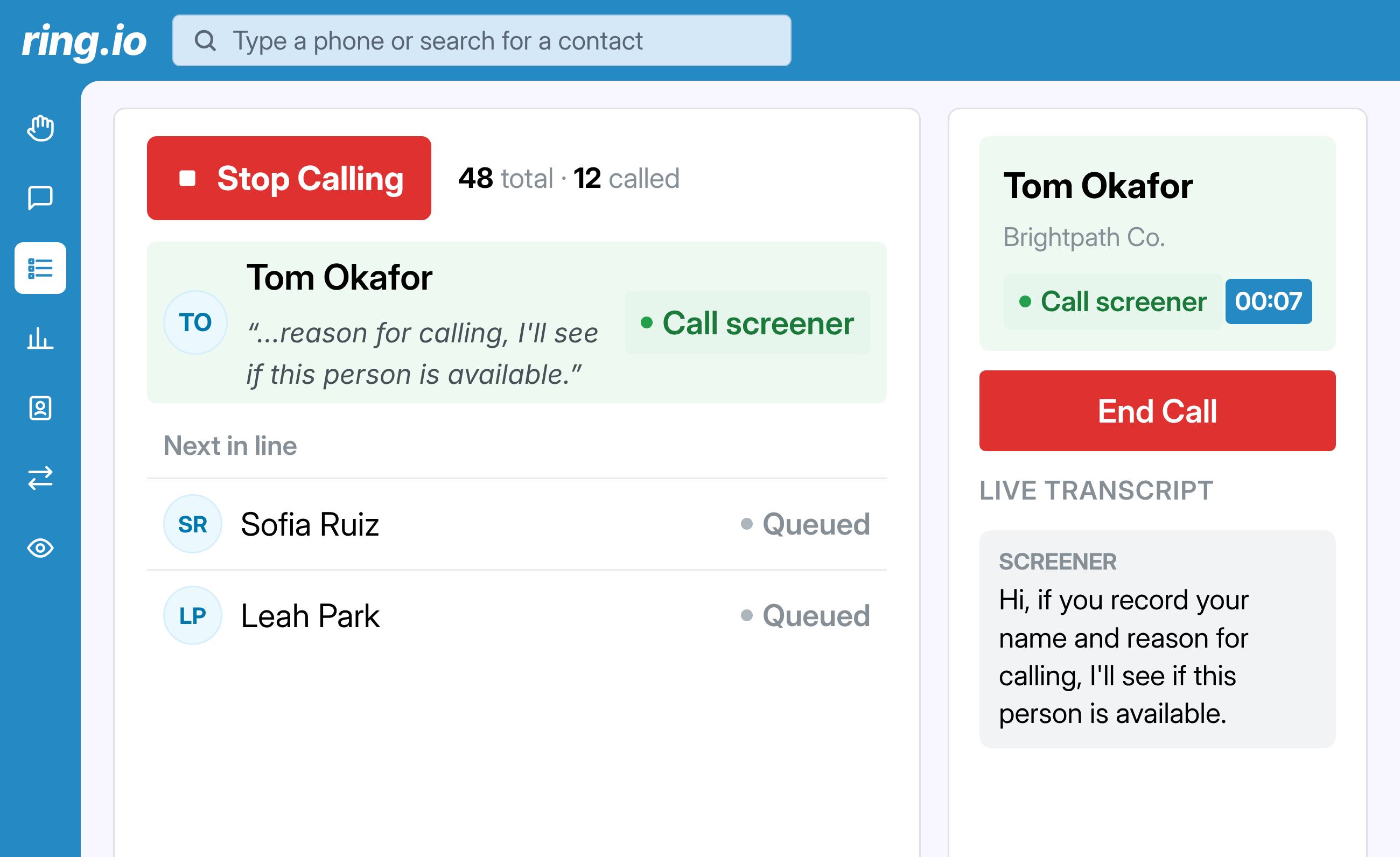
Record your message once. When a call goes to a machine, drop it with one click, or let Ring.io detect the beep and leave it for you. The call ends, your rep moves on to the next dial.

Record your message once. When a call goes to a machine, drop it with one click, or let Ring.io detect the beep and leave it for you. The call ends, your rep moves on to the next dial.
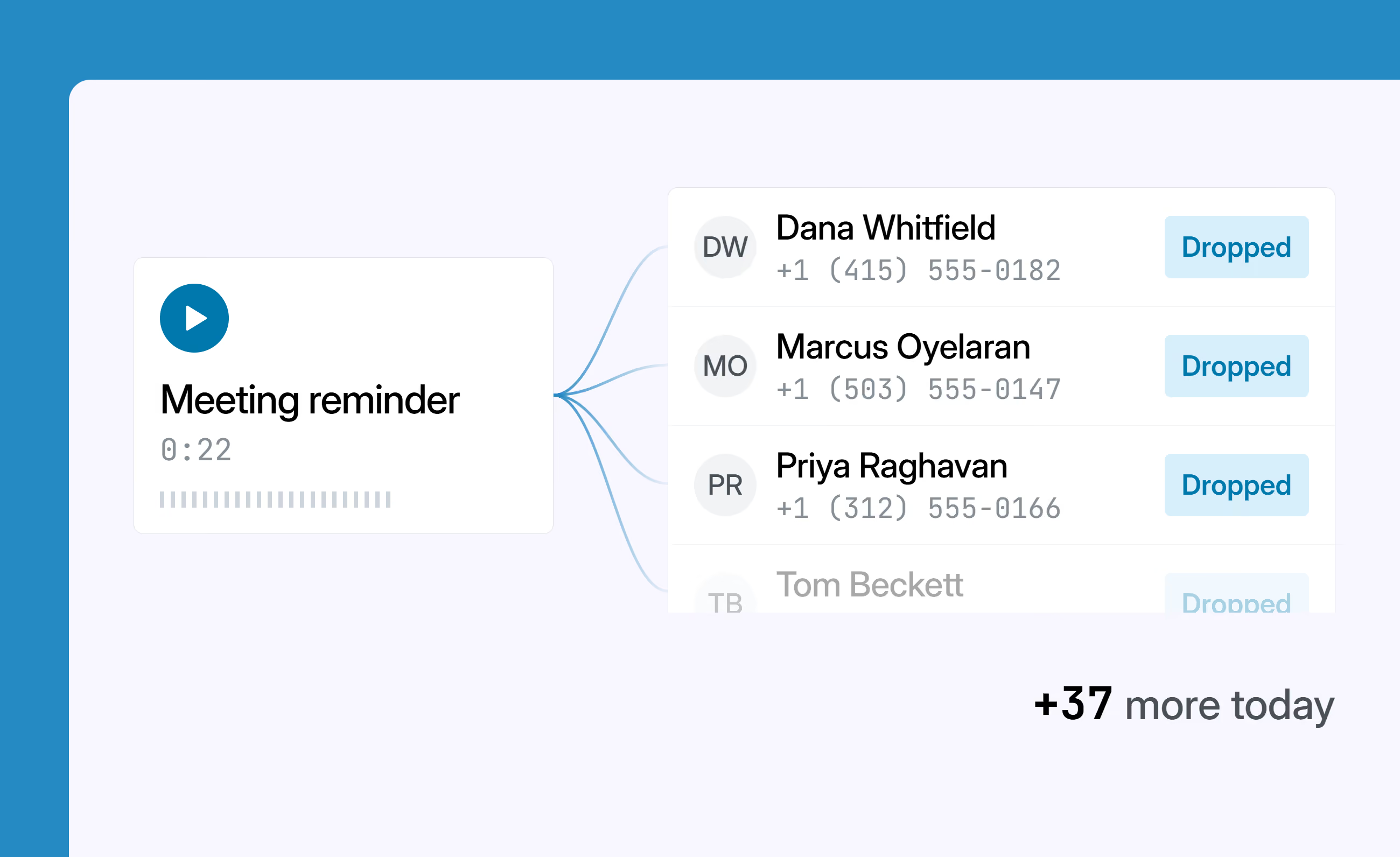
Record as many messages as you want and pick the right one for the call. Ring.io leaves it, ends the call, and moves your rep on to the next dial. No waiting for the beep, no reading a script, no dead air.
Detect the machine, leave the message, move to the next dial
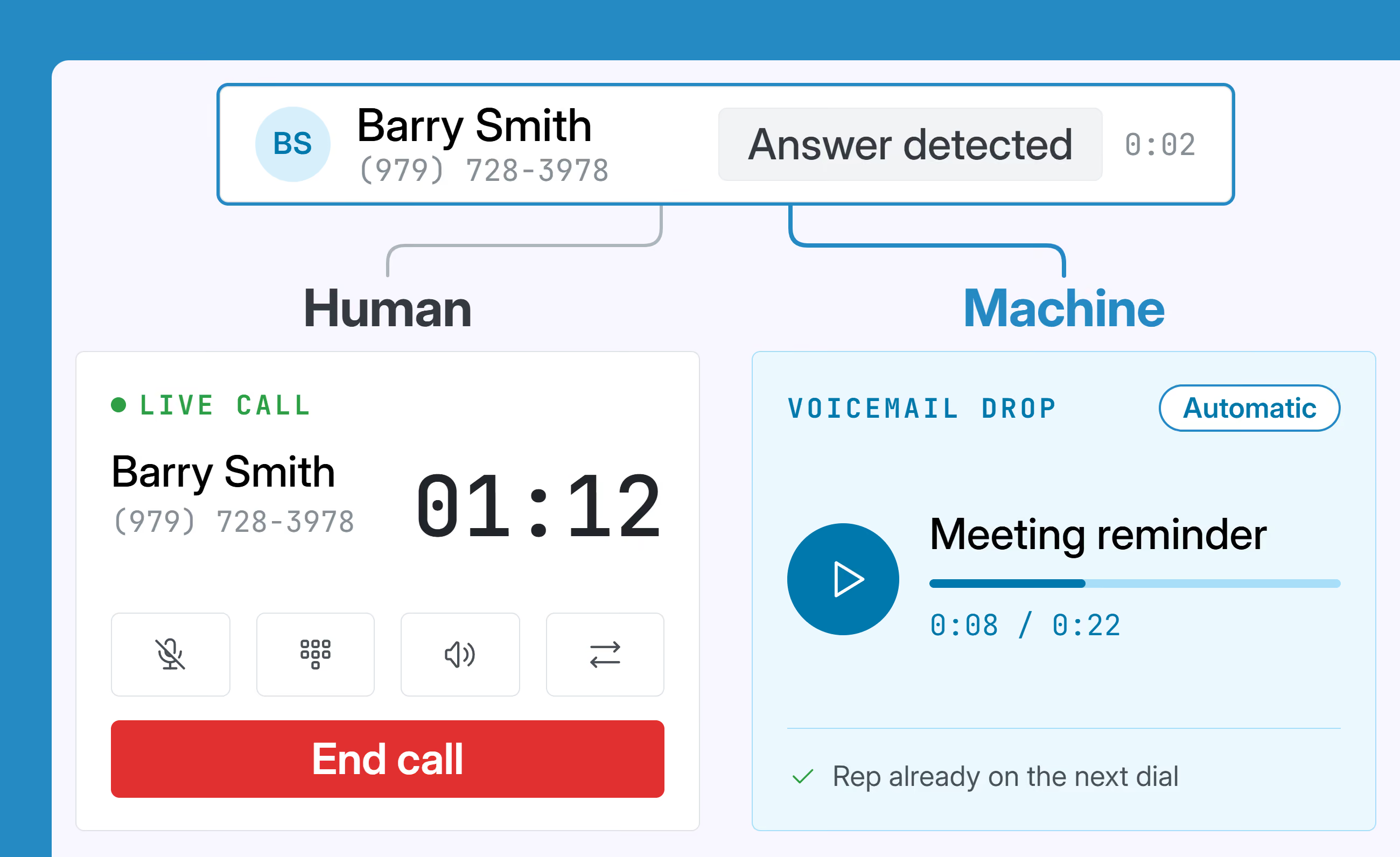
Auto Answer Detect tells a human from an answering machine as the call connects. When it is a machine, your pre-recorded message is left automatically. If an iPhone or Google Voice call screener answers, Ring.io doesn't drop a voicemail: you're connected so you can answer it. Your rep never listens to a full ring-out again.
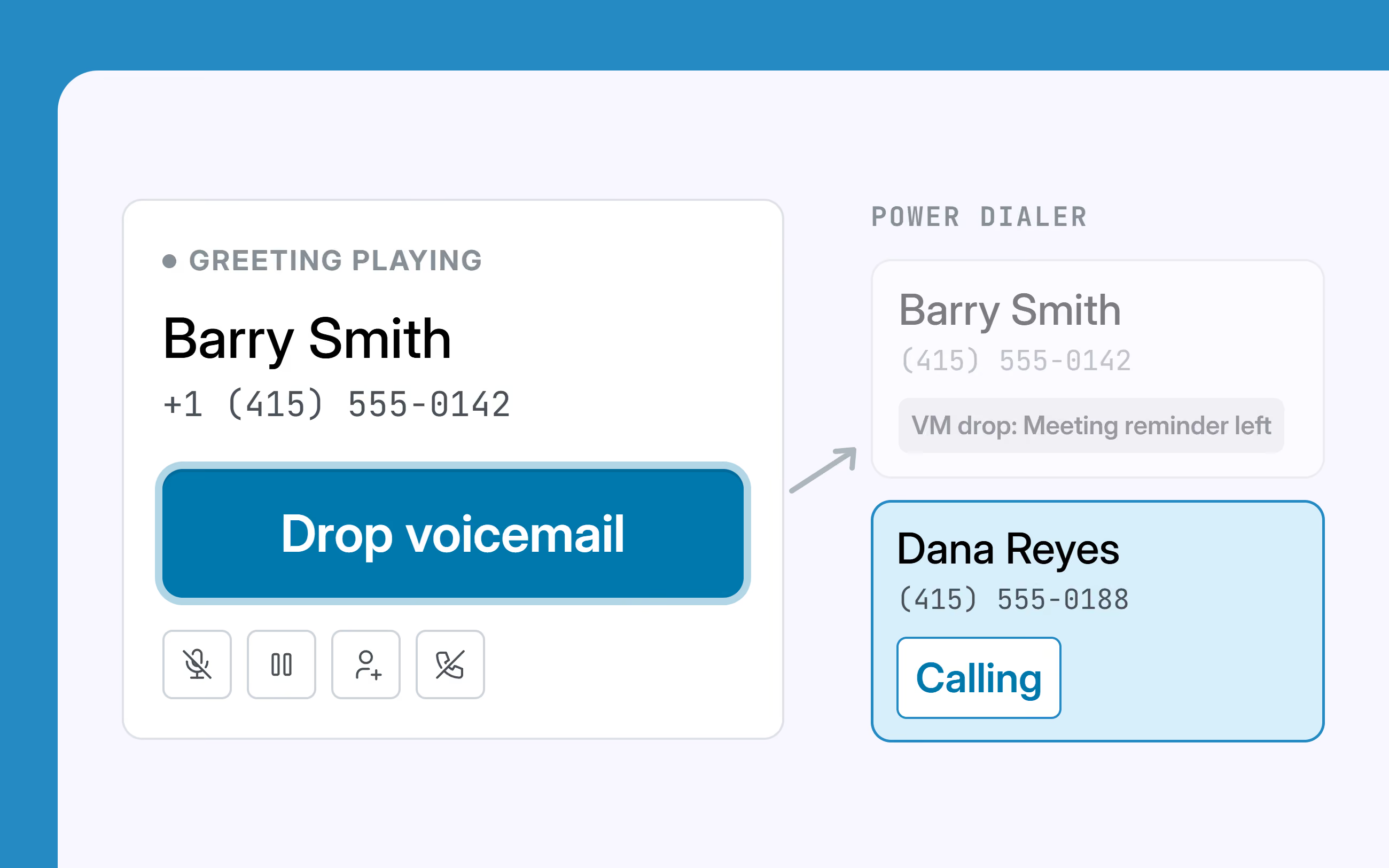
Auto-drop handles the Power Dialer and the AI Parallel Dialer. On a call you dialed yourself, you decide: click Drop and move on, or stay on the line and leave something specific.
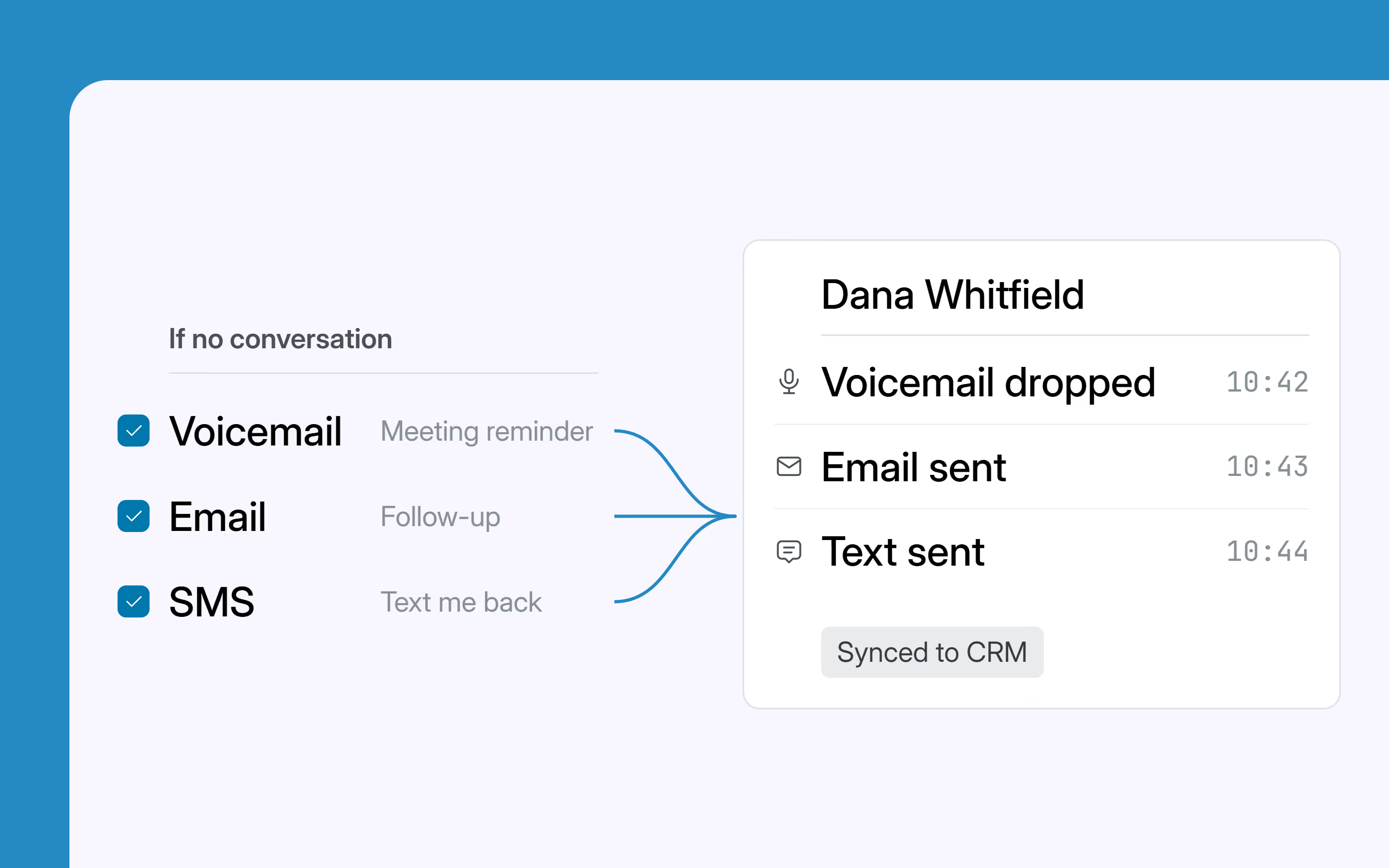
An unanswered dial can leave a voicemail, send an email and send a text on its own. All three are logged against the contact in Salesforce, HubSpot, Pipedrive or Zoho.
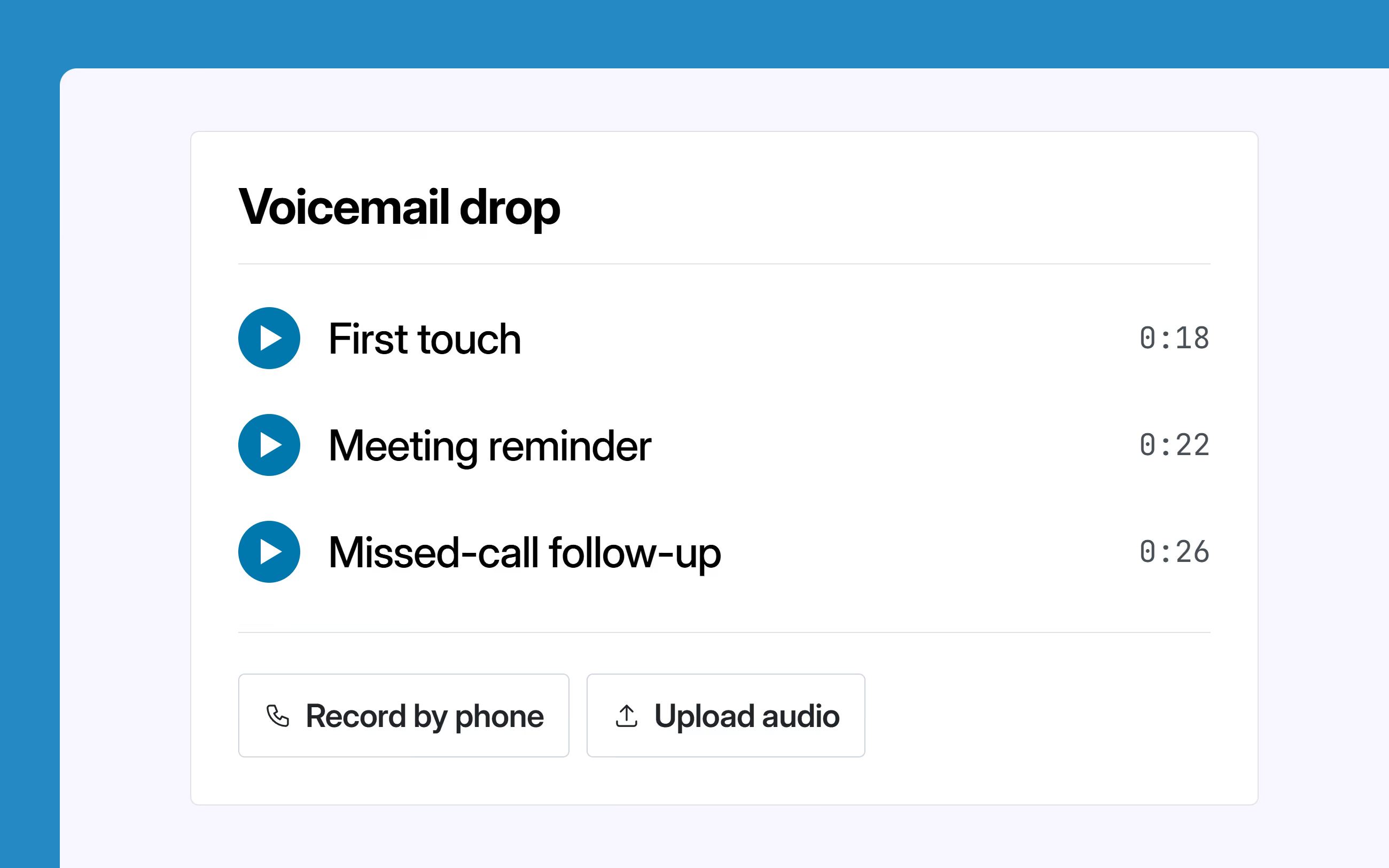
Keep a short library - first touch, meeting reminder, missed-call follow-up. Record each one over the phone or upload a file, then pick the right one from the dropdown when you send a list to the dialer.
Calls, email and SMS as steps in one sequence, run from inside your CRM. Start free on one rep, or take 21 days free on a team plan.
Voicemail Drop
Voicemail drop leaves a message you recorded earlier when a call reaches voicemail, so your rep doesn't say the same thing forty times a day. The message is left, the call ends, and the rep moves on to the next dial.
It can be. In the Power Dialer and the AI Parallel Dialer, Ring.io detects the voicemail and leaves your recording for you. On calls you dial by hand, you click Drop when you hear the greeting.
You can keep a library of recordings, one for each situation, like a first touch, a meeting reminder or a follow-up. Record over the phone or upload a file, then pick the right one for each list.
No. With ringless voicemail, a message goes straight into the voicemail box without the phone ringing. With Ring.io voicemail drop, the call is placed normally, and your recording is left only when the call reaches voicemail. If a person answers, your rep talks to them.
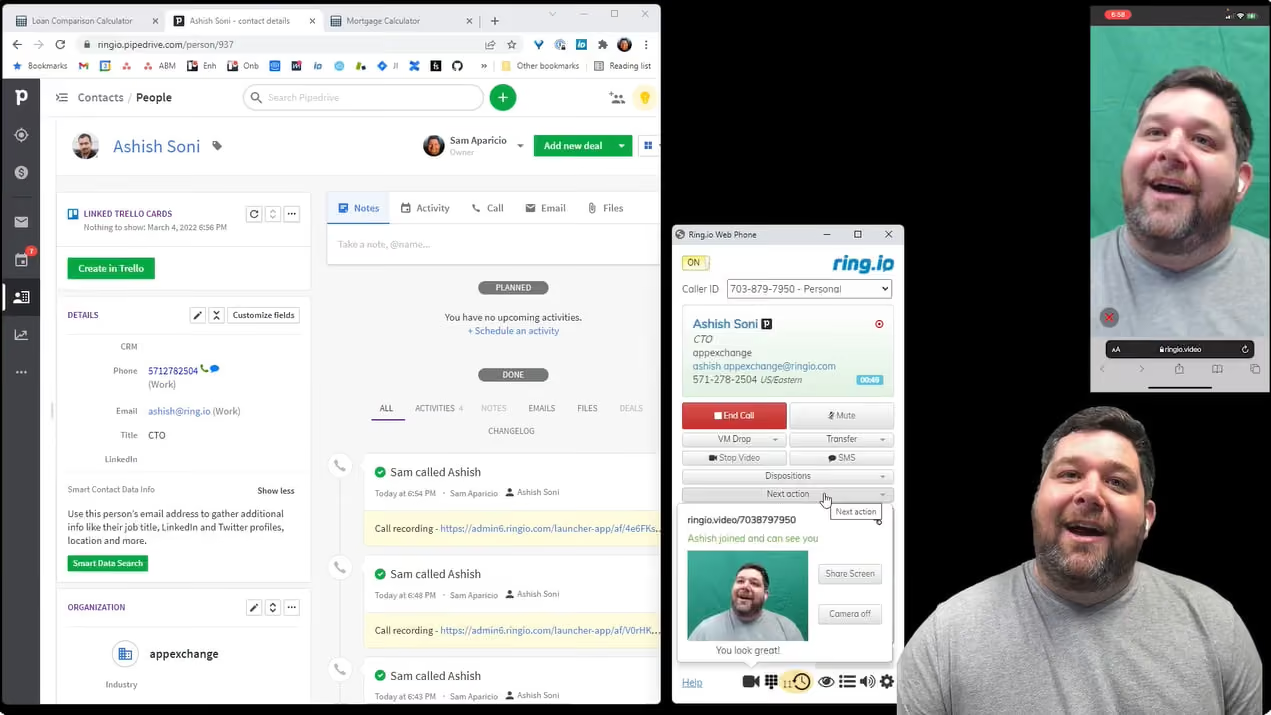
A call screener isn't treated as voicemail. When iPhone call screening or Google Voice answers, Ring.io connects your rep so they can say who they are and why they're calling, and the prospect decides whether to pick up. See call screening detection.
Yes. The call is logged on the contact in Salesforce, HubSpot, Pipedrive or Zoho. With Auto Disposition, it's marked Voicemail Dropped automatically, or Voicemail Detected - No Drop if no message was left.
Voicemail drop is on every plan. See pricing for what each plan includes.