Click-to-call
Click the number. It dials.
Any phone number in your CRM or your browser becomes a button. No copying, no keypad, no digit typed wrong. Ring.io places the call and logs it against the right record on its own

Any phone number in your CRM or your browser becomes a button. No copying, no keypad, no digit typed wrong. Ring.io places the call and logs it against the right record on its own
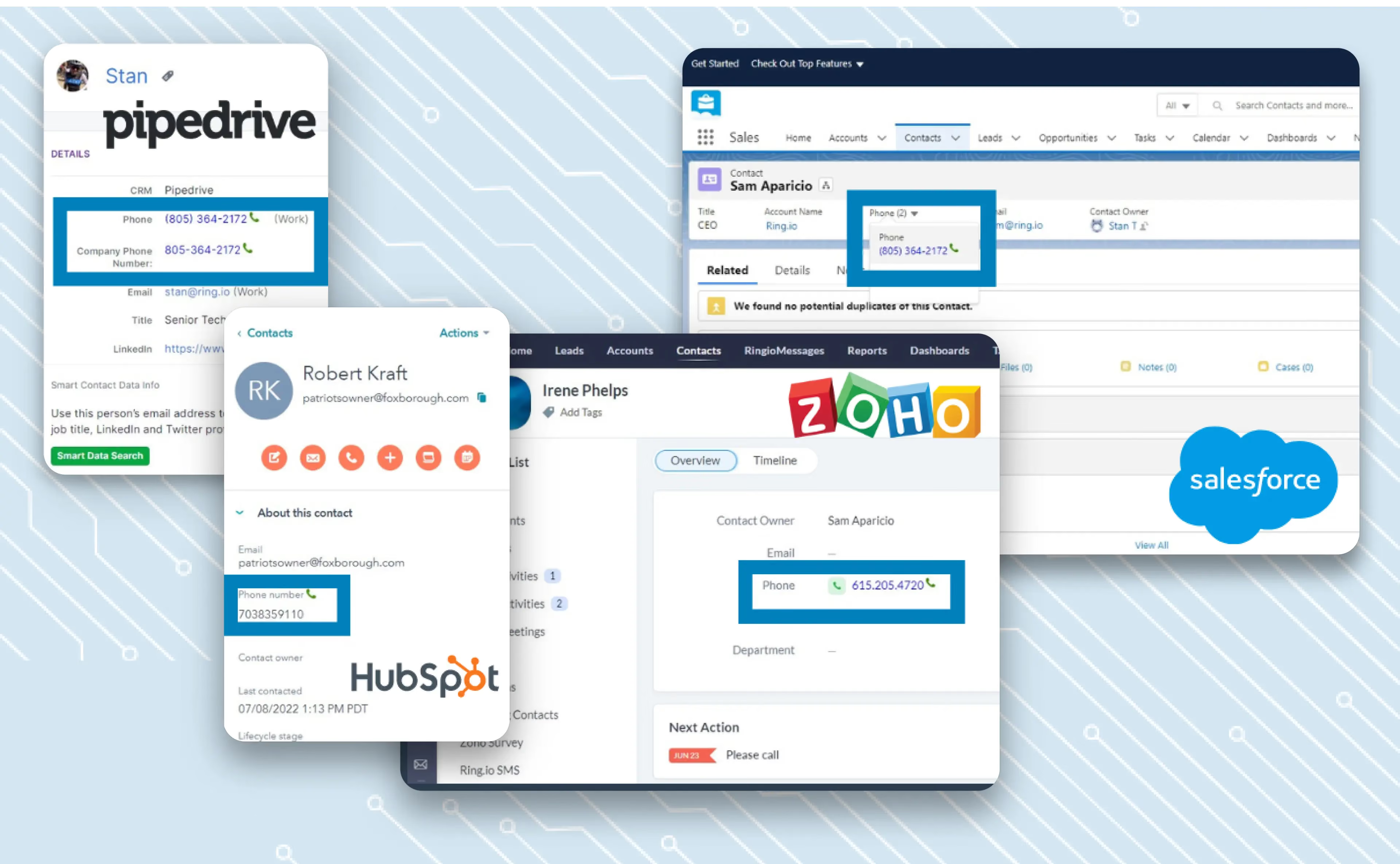
Install the Chrome extension and Ring.io turns phone numbers on a screen into one-click calls. No copying, no keypad. One click and the call is placed.
Eliminate the need for manual dialing and streamline the calling process for your sales reps, so they can save time and thus increase sales productivity.

With just one button, you can compress every string of digits into a single click, eliminating the need for copy-pasting and manual dialing. Say goodbye to human error and hello to more time and efficiency.
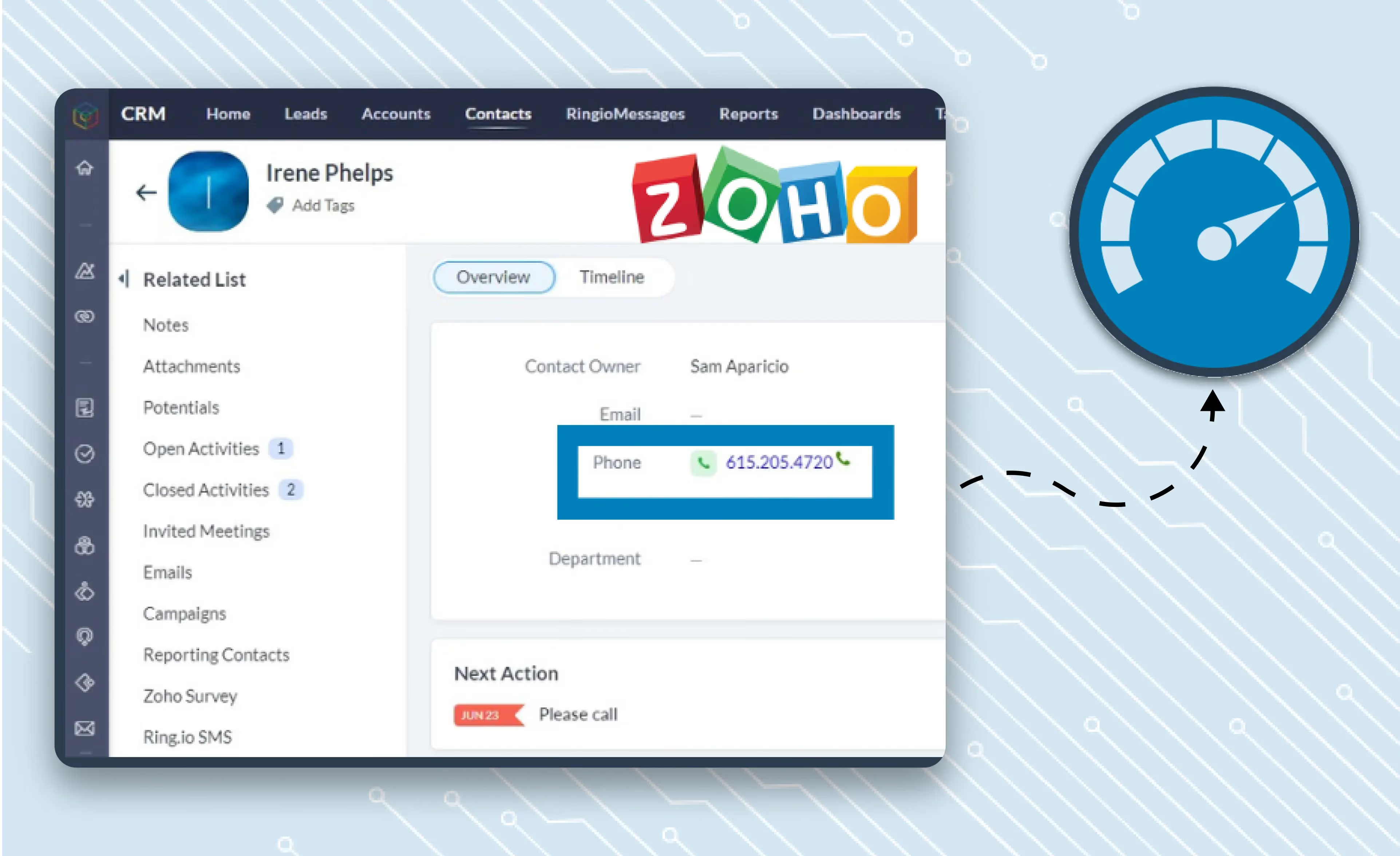
Make it easy for your reps to do outbound calls. With a Google Chrome extension, you can even make calls directly from your computer screen, bypassing the need for desk phones altogether. And with the ability for users to skip straight to your CRM system, click-to-call is the perfect solution for businesses looking to increase efficiency and streamline their workflow.
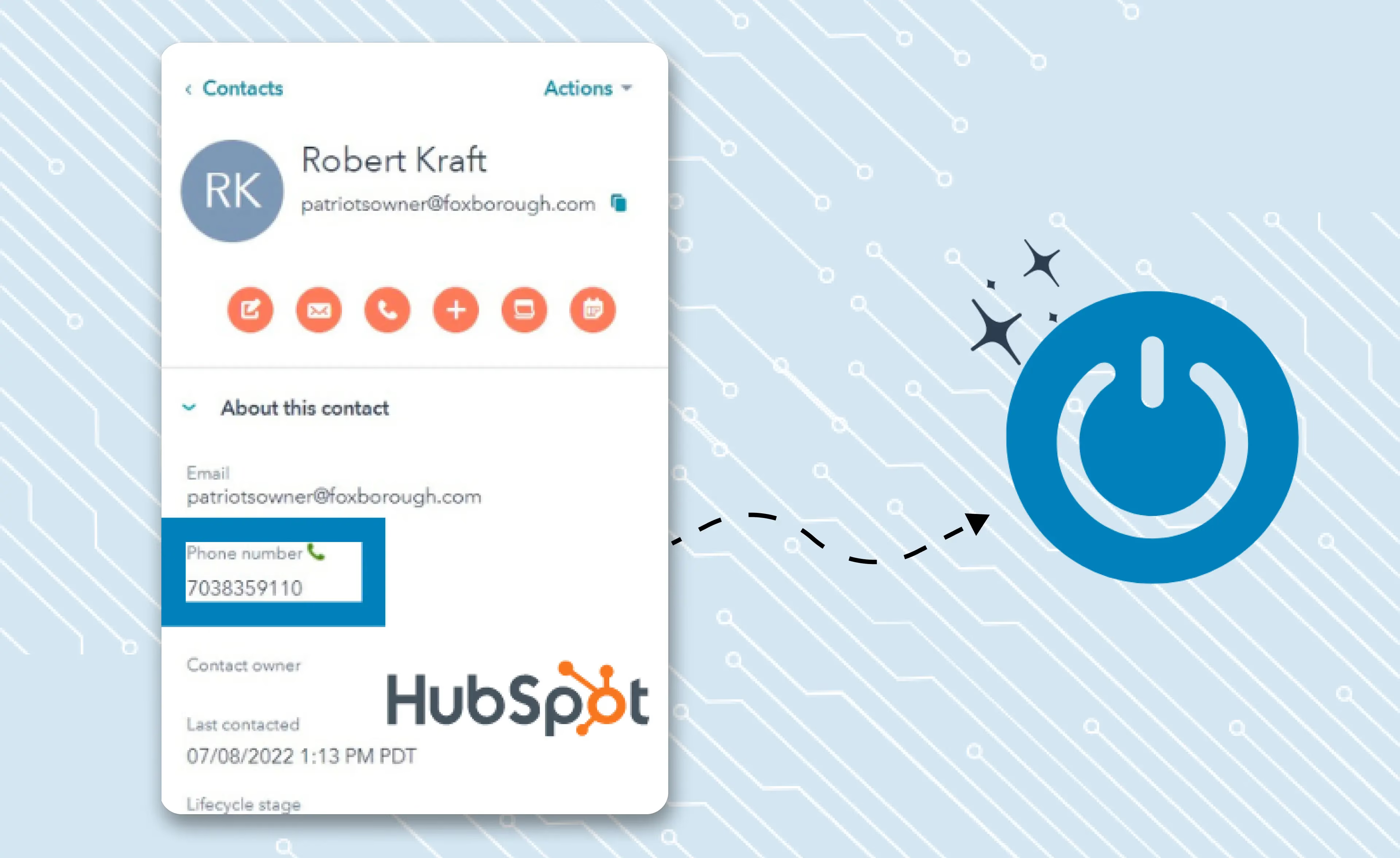
With a click-to-call dialer, you can enjoy unlimited calling capabilities and call lists that are both fast and efficient. With a simple click-to-call button on your web page, sales reps can make outbound calls to your customers with just a single click. This means that you can initiate calls without manually dialing phone numbers, saving time and increasing the sales rep's efficiency.

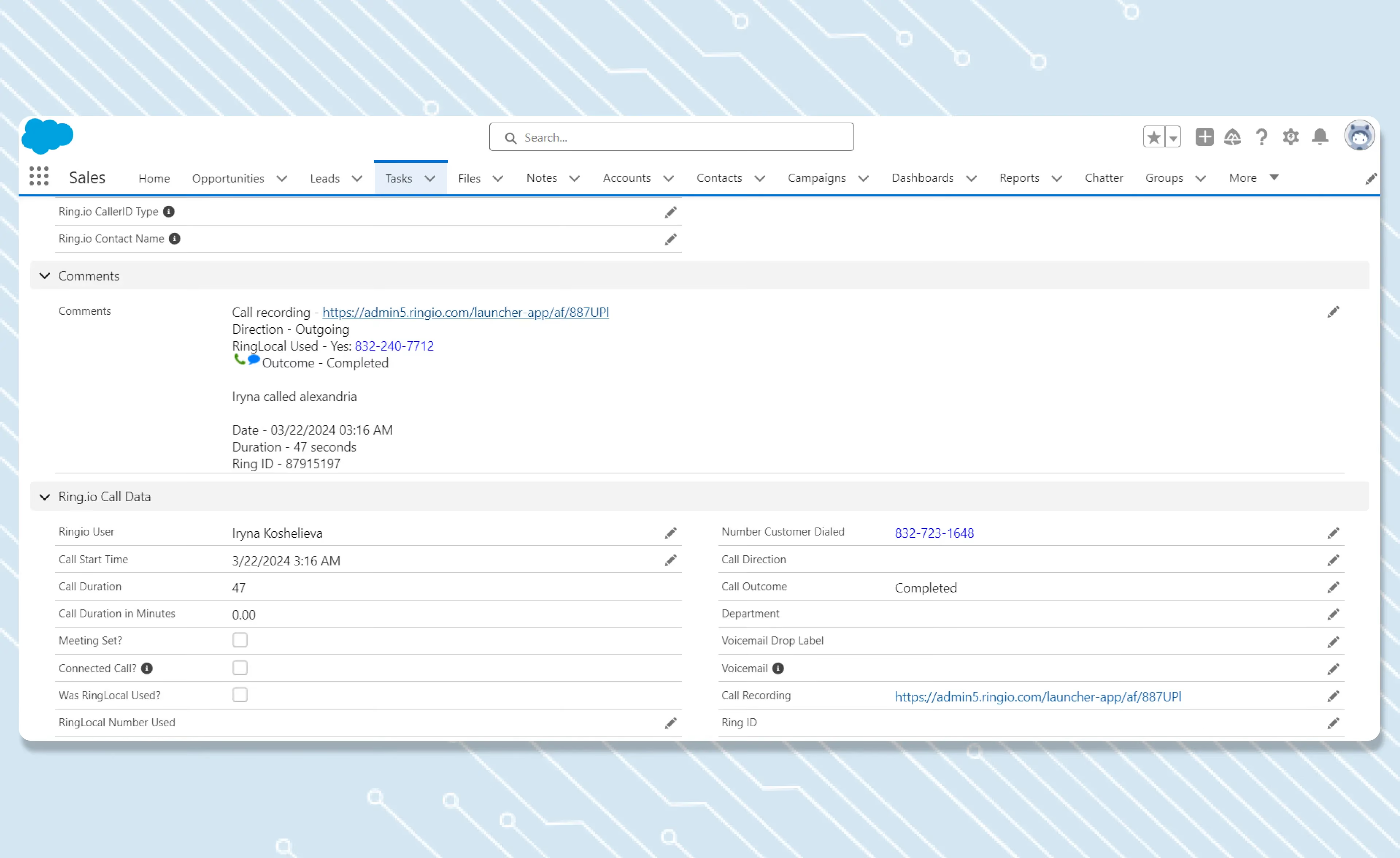
The seconds saved on dialing are not the point. The point is that nobody types up the call afterwards. Ring.io logs the call, the outcome and the notes against the right record in your CRM. That is the time you get back.
Calls, email and SMS as steps in one sequence, run from inside your CRM. Start free on one rep, or take 21 days free on a team plan.
Click-to-call
Click-to-call is a simple and convenient technology that allows two people to connect instantly with just the click of a button. When integrated with your CRM, it saves time and enables outbound and inbound calls between businesses and their customers. Additionally, by adding a click-to-call button on your website, customers can easily initiate a call with your sales team, improving customer experience and boosting conversions.
You can enjoy the click-to-call feature on all your devices with Ring.io, whether it's a smartphone or desktop.
With click-to-call, you can connect with people locally and make unlimited calls globally without worrying about country codes. Ring.io 's system works seamlessly across the world, making it easy for you to connect with anyone, anywhere.
After you install the Ring.io chrome extension, by default, the click-to-call feature is enabled. If you are unable to use the click-to-call feature, verify the setting has been enabled.