Call Logging

Every call logged in your CRM, without anyone typing it

Ring.io logs every call on the contact in HubSpot, Salesforce, Pipedrive or Zoho the moment it ends: who, when, how long, the recording and the result. Voicemail drops, texts and emails go on the same record. Your CRM finally shows what your team actually did.
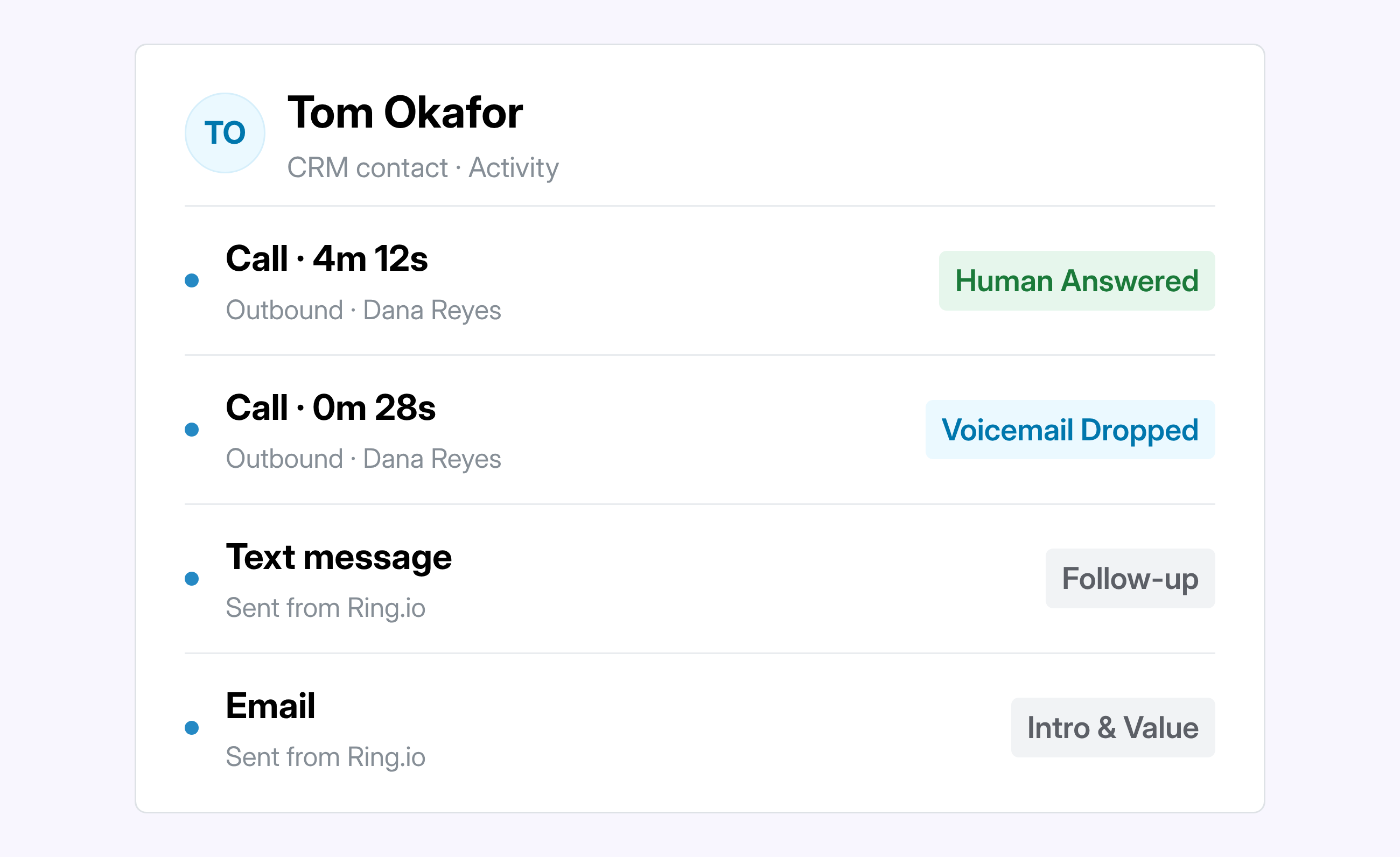
A call that isn't logged didn't happen, as far as your CRM knows

Reps make dozens of calls an hour, and typing up each one is the first thing that gets skipped. The CRM fills with contacts nobody seems to have called, follow-ups go to the wrong people, and your pipeline reports are built on half the story. Ring.io writes every call to the CRM for you, so the record matches what happened and your reps keep dialing.

How Ring.io call logging works

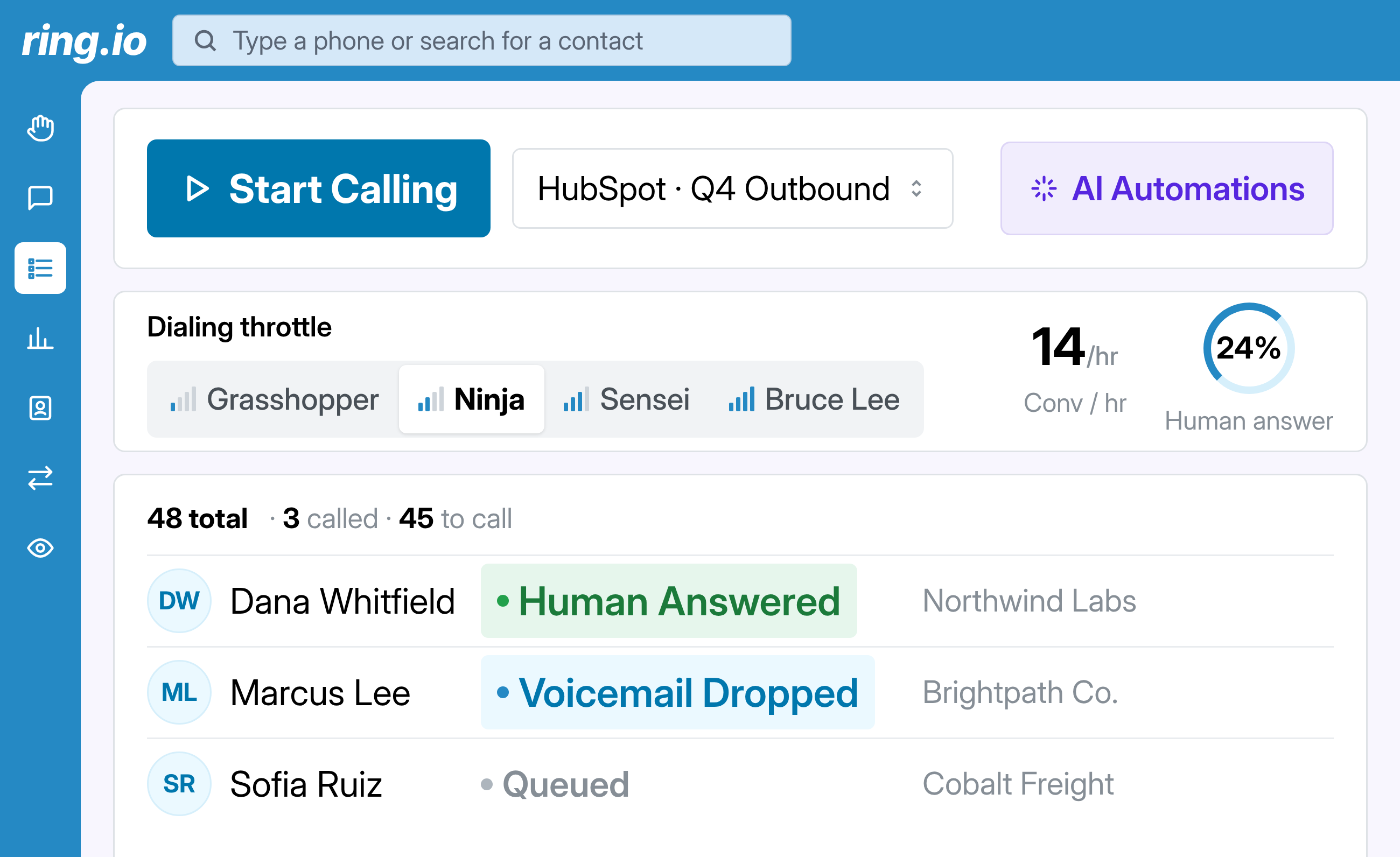
  • A rep calls. By hand, from the Power Dialer or from the AI Parallel Dialer, inbound or outbound.
  • The call is logged when it ends. Date, time, duration, the rep and the recording go on the contact or lead in your CRM.
  • The result is set. With Auto Disposition, Ring.io fills in voicemail, no answer, busy or wrong number. Reps pick the result only when they spoke to someone, and can update CRM fields during the call.
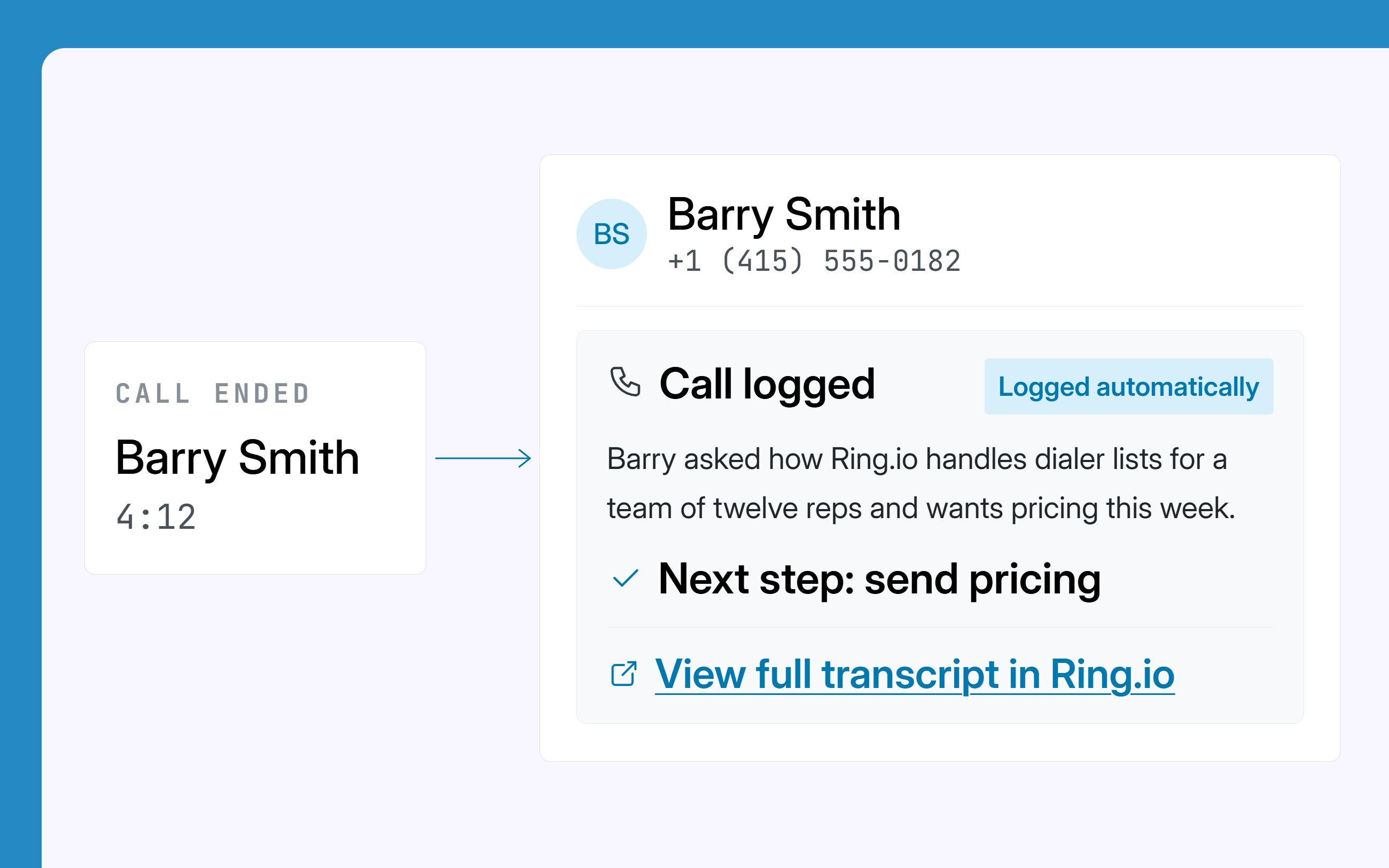
  • The summary is added. With AI call summaries, the recap and next steps are written into the logged call, with a link to the full transcript in Ring.io.
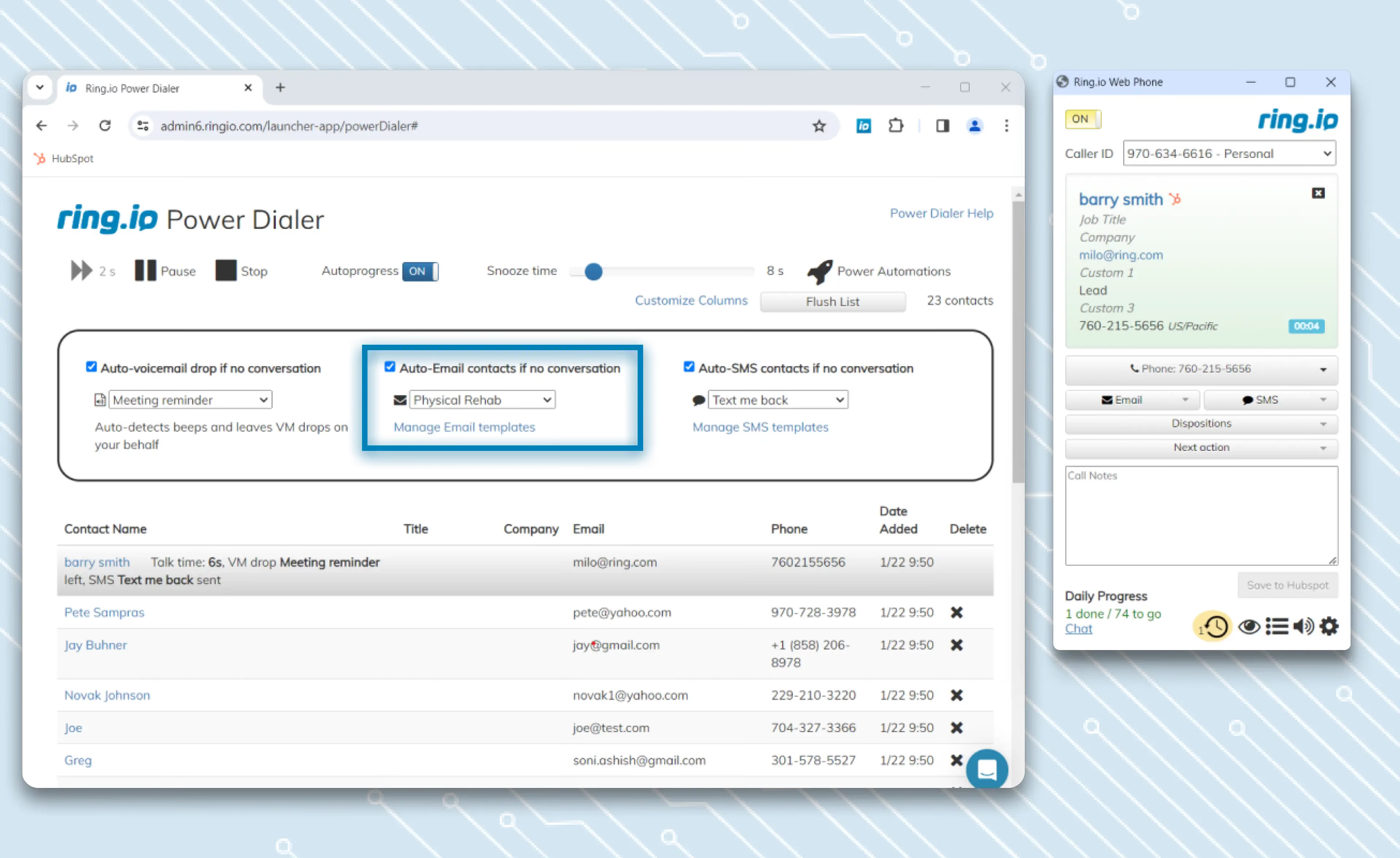
  • Everything else goes on the same record. Voicemail drops, texts and emails sent from Ring.io are logged next to the calls.
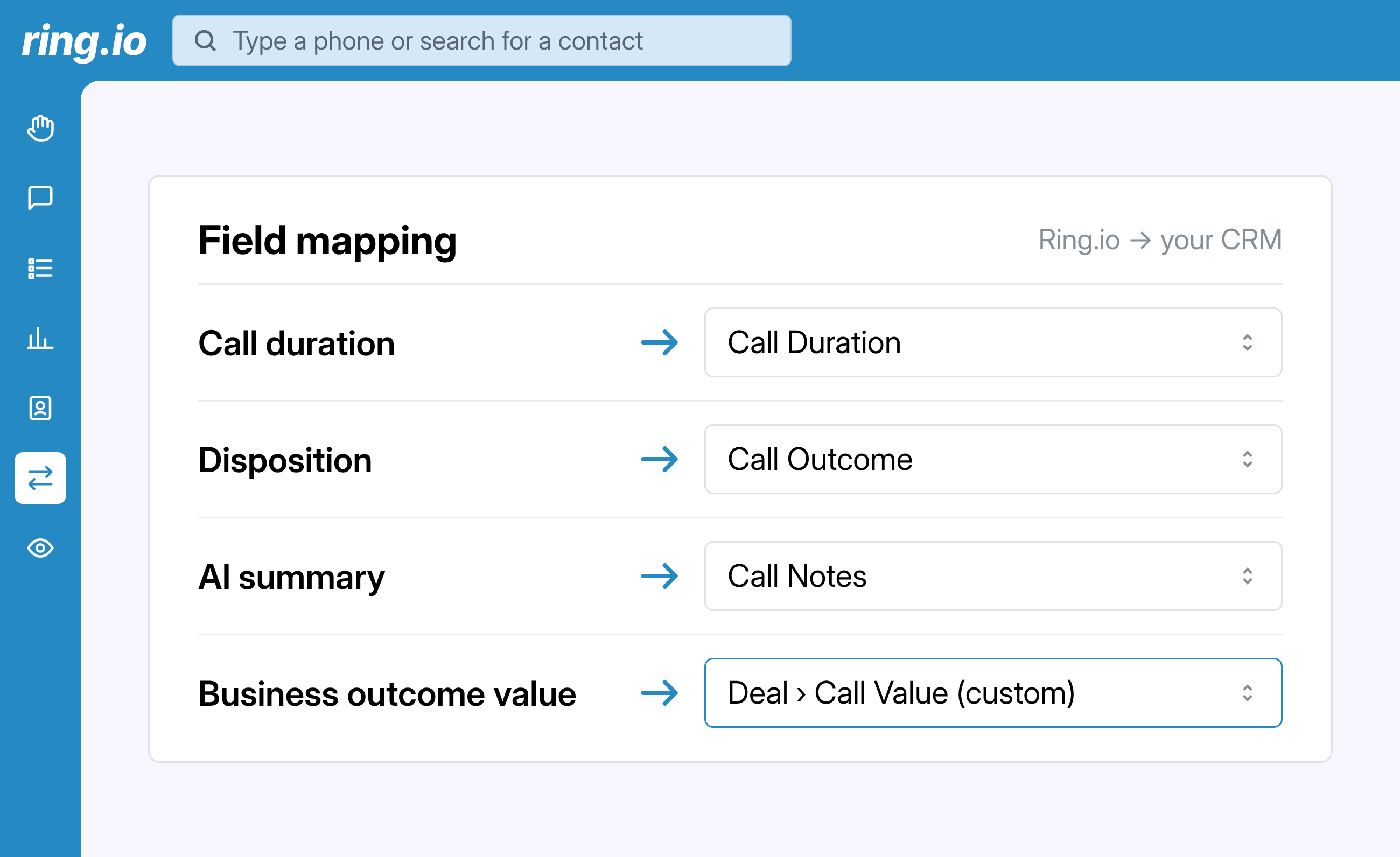
  • Map it your way. Send call data to any field in your CRM, including custom objects.

benefits

What gets logged, and where it goes

The call, its result, what was said and what it was worth, on the record you already use.

Logged the moment the call ends

Every call, inbound or outbound, is written to the contact or lead in HubSpot, Salesforce, Pipedrive or Zoho as soon as it ends, with its duration and recording. Voicemail drops, texts and emails sent from Ring.io go on the same record.

The result is filled in too

With Auto Disposition, Ring.io sets the result of every call that didn't reach a person: voicemail, no answer, busy, wrong number. Reps only pick the result when they spoke to someone, and can update CRM fields while they're still on the call.

What was said, not just that it happened

With AI call summaries, the recap and agreed next steps are written into the logged call, with a link to the full transcript in Ring.io. Anyone opening the record knows how the call went.

Logged where your team needs it

Map call data to any field in your CRM, including custom objects. The business outcome of a call and its dollar value from Track Business Outcomes can go to a field you choose too, so your CRM reports show what calling produced.

Reach people, not inboxes.

Calls, email and SMS as steps in one sequence, run from inside your CRM. Start free on one rep, or take 21 days free on a team plan.

FAQs

Call Logging

What is call logging?

Call logging records each call on the contact's record in your CRM: when it happened, how long it lasted, who made it, the recording and the result. Ring.io does it automatically, so reps don't type up calls.

Which CRMs does Ring.io log calls to?

HubSpot, Salesforce, Pipedrive and Zoho. Calls, voicemail drops, texts and emails are logged on the contact or lead. See the HubSpot, Salesforce, Pipedrive and Zoho integrations.

Can I log call data to custom fields or custom objects?

Yes. You can map call data to any field in your CRM, including custom objects, in HubSpot, Salesforce, Pipedrive and Zoho.

Do reps still need to log anything?

Only the result of calls where they spoke to someone. The call itself is logged automatically, and with Auto Disposition the result of every other call is filled in for them. Reps can also update CRM fields during the call.

Is the full call transcript stored in my CRM?

The AI summary is written into the logged call, with a link to the full transcript in Ring.io. The transcript itself stays in Ring.io, where you can search and download it.

Which plans include call logging?

Call logging is on every plan, including the free plan. Auto Disposition, AI call summaries and Track Business Outcomes are on Growth and Enterprise. See pricing.